Manual stamping slows teams down and creates avoidable risk
Most litigation teams still stamp exhibits by hand in desktop PDF tools, one document at a time. That process seems manageable for a small witness set, but it breaks down when the volume increases. Staff jump between naming conventions, stamp locations, and version folders, which makes it easy to create duplicate labels, skip a page range, or export the wrong final copy for counsel.
Pressure increases as deposition dates and filing deadlines approach. A single stamping mistake can force rework across production sets, transcript references, and trial binders. Teams then spend late hours on quality checks that should have been automated earlier. The result is not only lost time but also uncertainty about whether each PDF is truly presentation-ready and aligned with the case workflow.
Many firms also face client and partner expectations for polished digital presentation that mirrors internal quality standards. When exhibit stamping is inconsistent, it can create unnecessary questions about document control and matter organization. Teams need a process that scales from small witness packets to enterprise-size litigation without changing quality expectations from one phase to the next.
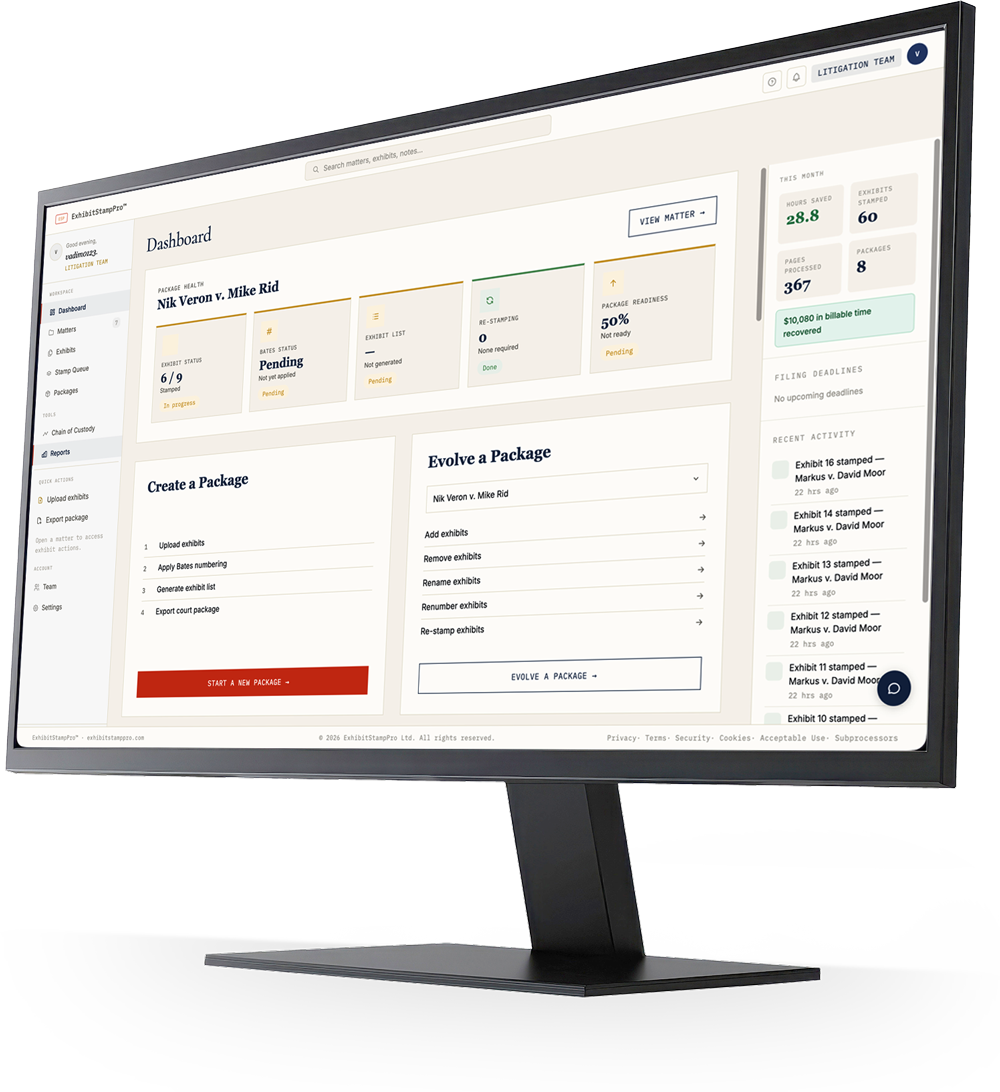
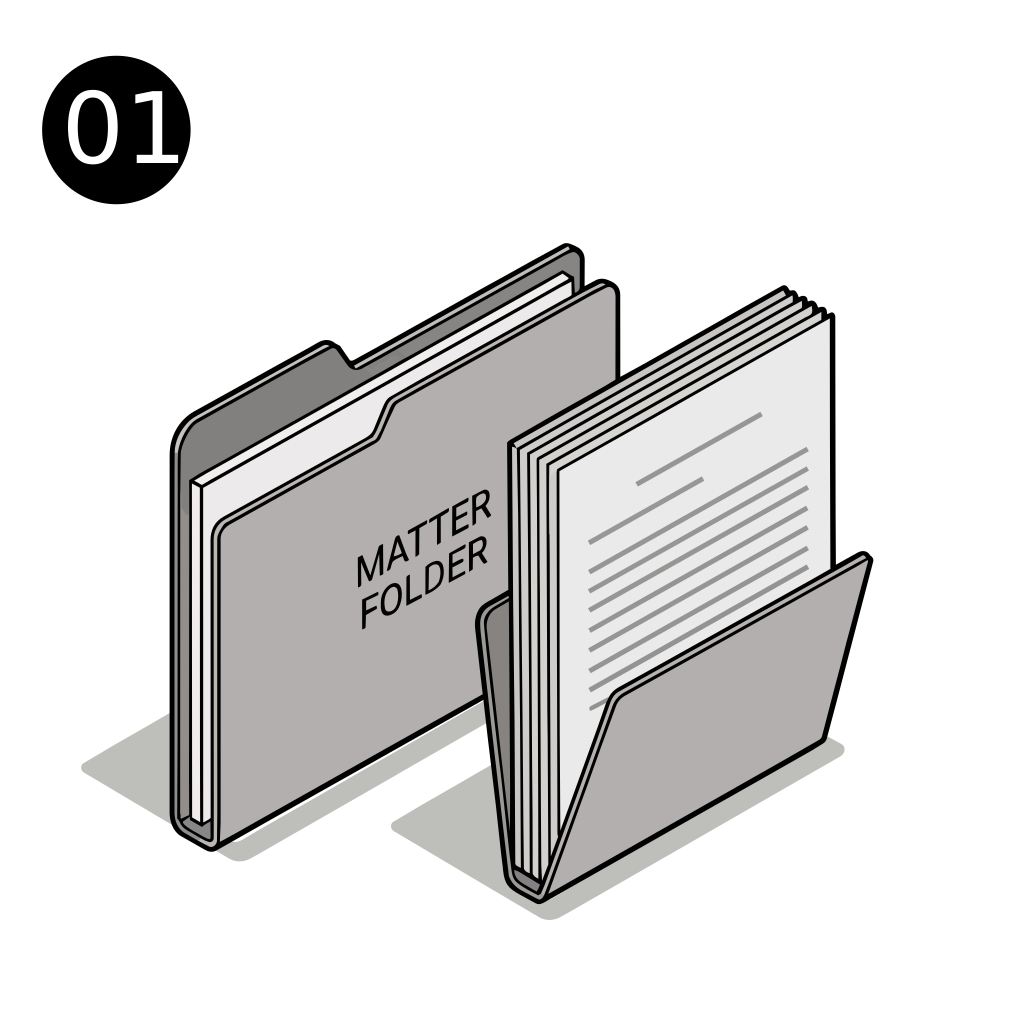
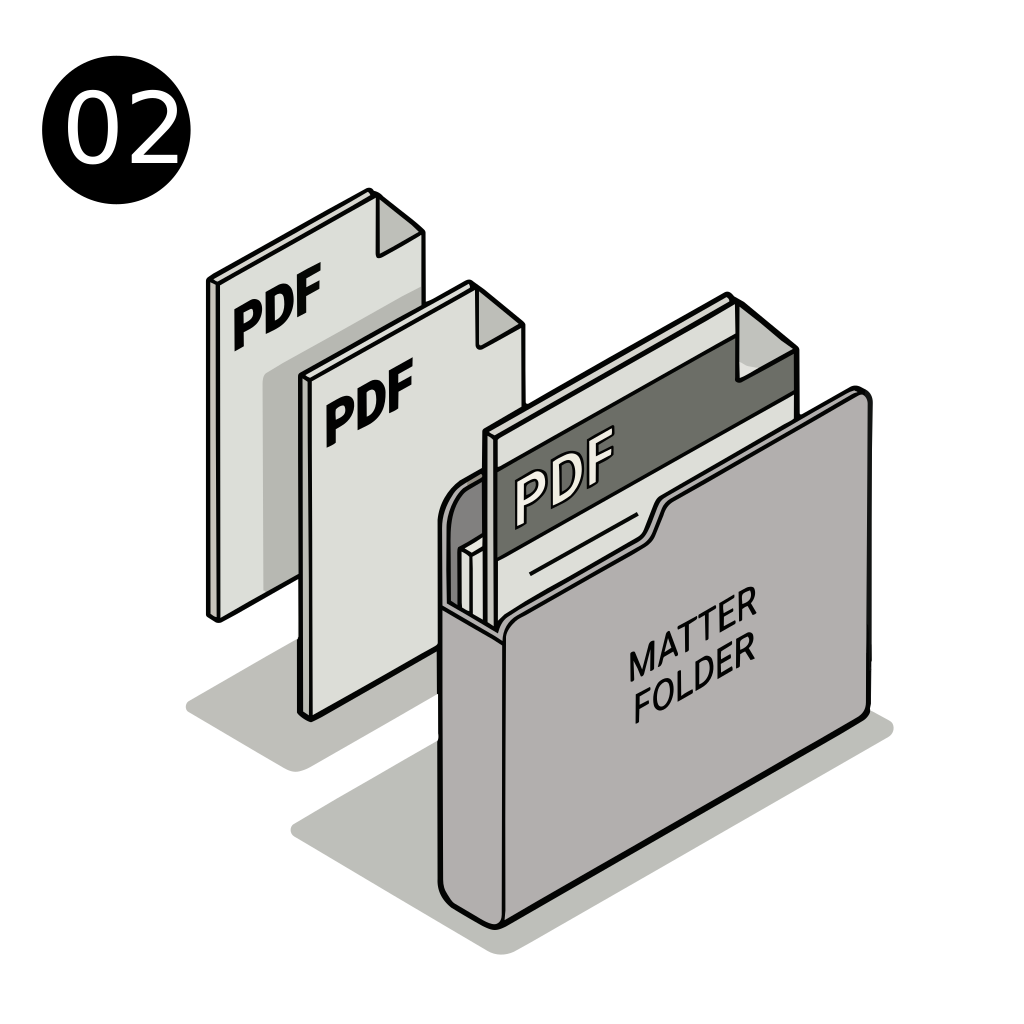
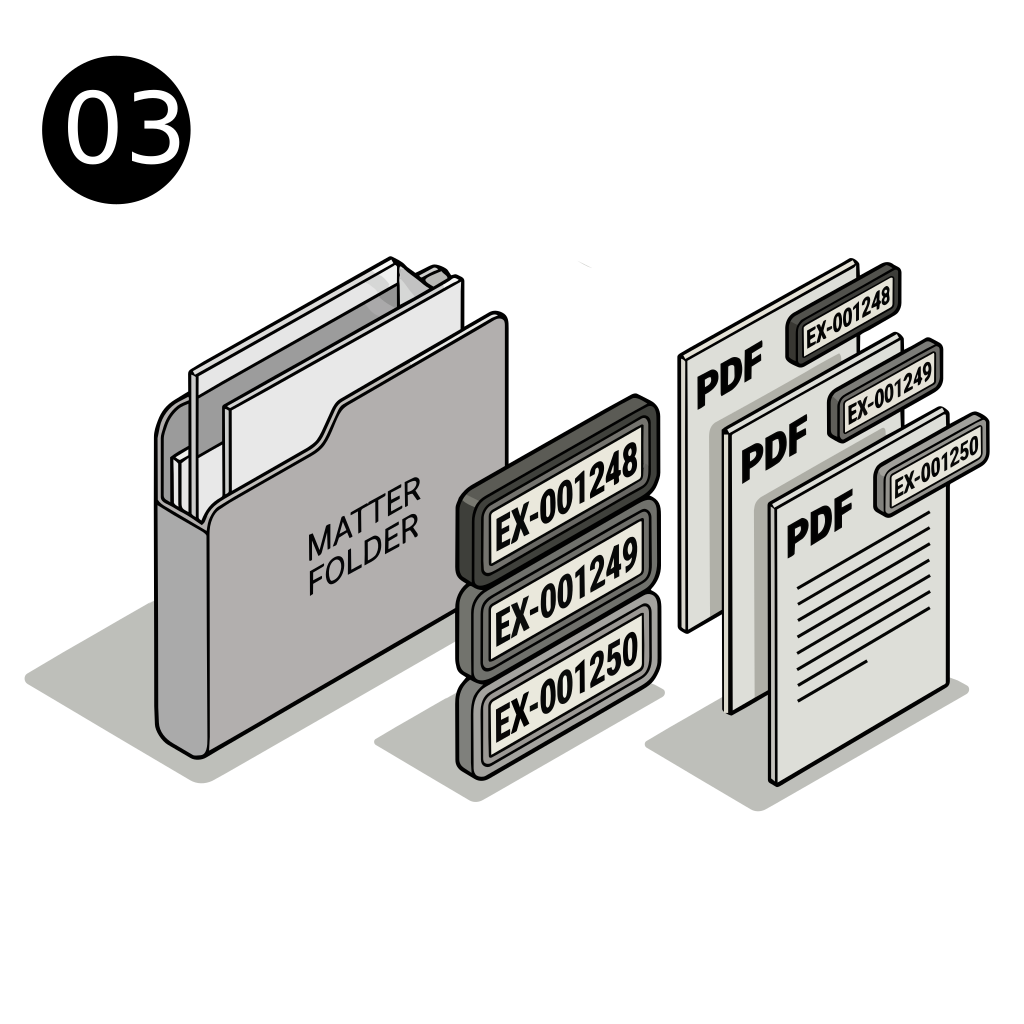
ESPro is purpose-built for exhibit preparation, not generic PDF editing. Teams upload document sets, define numbering and placement rules, then stamp PDFs in a controlled workflow. Every output follows the same format, which gives attorneys and litigation support staff confidence that exhibits are labeled consistently from prep through hearing and trial.
Because stamping is automated, staff can focus on review and strategy instead of repetitive formatting. ESPro preserves quality while reducing turnaround time for deposition packets and trial packages. You keep a clearer audit trail of what was stamped, when it was exported, and which version is final, helping teams deliver polished materials under deadline pressure.
The platform also supports better operational planning. Litigation support managers can forecast turnaround more accurately because repetitive tasks are no longer dependent on who is available to complete manual stamping at the last minute. That predictability helps teams allocate resources earlier and maintain service levels when several matters approach deadlines at once.
What PDF exhibit stamping actually includes
PDF exhibit stamping is more than adding a text box that says Exhibit 1. A complete workflow includes numbering logic, placement consistency, readability across page sizes, and final packaging that stays aligned with witness outlines and production logs. Good stamping ensures each document remains easy to identify when shared in depo prep, motion practice, or courtroom presentation.
In practice, teams need repeatable standards: where the stamp appears, how the label is formatted, and how numbering advances when new files are inserted late. When those standards live only in one staff member's checklist, consistency suffers. Software makes the rules explicit so every output follows the same operational standard.
Teams also benefit from clear naming and version discipline tied to stamping actions. If a document is reprocessed, the workflow should make it obvious which stamped PDF is current and which copy is archived. That transparency reduces confusion during attorney review and makes downstream packet assembly much less error-prone.
Manual versus automated stamping
Manual stamping can work for low-volume matters, but it often depends on individual attention to detail. As sets grow, repetitive clicking and visual checks introduce fatigue. Small mistakes then spread to related deliverables, including exhibit lists and hearing packets, increasing correction time and communication overhead.
Automated stamping applies configured rules across entire batches. Teams can validate settings once, run processing quickly, and reserve human review for legal judgment rather than mechanical formatting. This shift improves predictability and gives litigation support managers better visibility into throughput and readiness status.
Another advantage of automation is consistency across handoffs. Whether work shifts between day and evening teams or between internal staff and outside support, the configured rules remain stable. That continuity helps organizations maintain quality when workloads are distributed across offices and deadlines.
Deposition and trial exhibit workflows
Deposition prep usually requires rapid updates as witness strategy evolves. An exhibit may be replaced, split, or renumbered before final packet assembly. With an automated stamping workflow, those adjustments can be applied consistently without rebuilding each file manually from scratch.
Trial prep raises the stakes further because document collections are larger and shared across multiple teams. Consistent stamps and exports reduce confusion between working drafts and courtroom copies. Counsel can reference exhibit identifiers with greater confidence, and support staff can deliver updates without introducing formatting drift.
A shared stamping workflow also improves communication around readiness milestones. Teams can confirm when deposition sets are prepared, when trial collections were refreshed, and what changed between versions. These checkpoints reduce surprises and keep attorneys informed as deadlines approach.
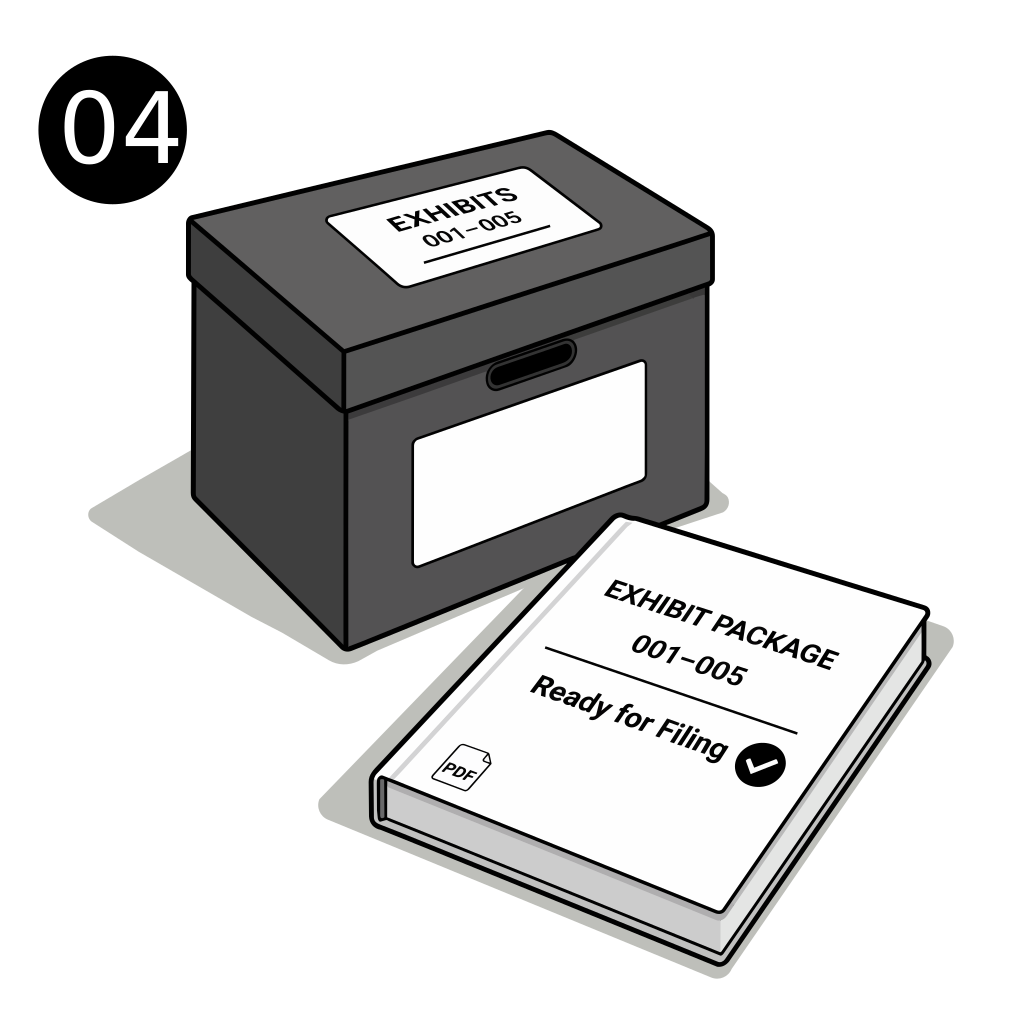
Quality assurance before final PDF delivery
High-performing teams pair automation with disciplined quality assurance. After stamping runs complete, they validate readability, sequence continuity, and package completeness using a repeatable checklist. This approach catches edge-case issues early, before exhibits are distributed to attorneys, clients, or outside partners.
A structured QA phase also improves confidence during rapid revisions. When late document substitutions arrive, teams can rerun standardized checks instead of improvising under pressure. That consistency reduces noise in internal communications and helps everyone understand whether a package is draft-ready or final-ready.
Over time, QA data becomes operational insight. Teams can identify recurring friction points, refine templates, and improve throughput without sacrificing quality. By combining automation with measurable review habits, exhibit preparation becomes more predictable across both routine and complex litigation matters.
Court-ready formatting and legal review checkpoints
Court-ready does not mean one universal format for every jurisdiction. Presentation expectations may differ by venue, judge preferences, and filing context. ESPro helps standardize your internal process while preserving flexibility to review and adjust package details before submission.
NOTE: Confirm jurisdiction-specific exhibit marking, filing, and submission requirements with qualified legal counsel before finalizing documents. Use the legal-review checkpoint to validate that stamp format, placement, and package structure satisfy the rules applicable to your matter.
By adding a deliberate review checkpoint, teams avoid treating compliance as an afterthought. Operations can move quickly while still pausing for matter-specific confirmation before filing or courtroom use. This balance supports both efficiency and professional responsibility.
Benefits
Why teams choose ESPro
Standardized exhibit stamp placement across all PDFs
Faster turnaround for deposition and trial prep sets
Lower risk of duplicate or skipped exhibit numbers
Reliable outputs that are easier for attorneys to review
Batch processing that scales with larger productions
Clearer internal handoffs between support and counsel
Yes. ESPro is designed for batch processing, so you can apply consistent exhibit stamping across large document sets without formatting each file manually.
Is this only for trial exhibits?
No. Teams use ESPro for both deposition and trial preparation, including interim prep runs as witness plans and case strategy evolve.
How does ESPro reduce numbering mistakes?
The platform applies predefined rules rather than relying on repetitive manual edits, which lowers the chance of skipped, duplicated, or inconsistent exhibit labels.
Can we still review output before using it in court?
Absolutely. ESPro supports a structured review workflow so teams can verify formatting and legal compliance before finalizing packages.
Do we need to change our existing litigation workflow?
Most teams layer ESPro into current prep processes. It replaces repetitive stamping tasks while keeping attorney review and case strategy decisions where they belong.
Try ESPro in the research program
Join litigation teams testing automated exhibit stamping, numbering, and package export. 7-day sandbox access — help shape the product while improving your workflow.